

Textend documentation
Textend turns short keywords into the text you use every day. These guides come from the app’s built-in help, with the same instructions available under Help → Textend Help when you’re offline.
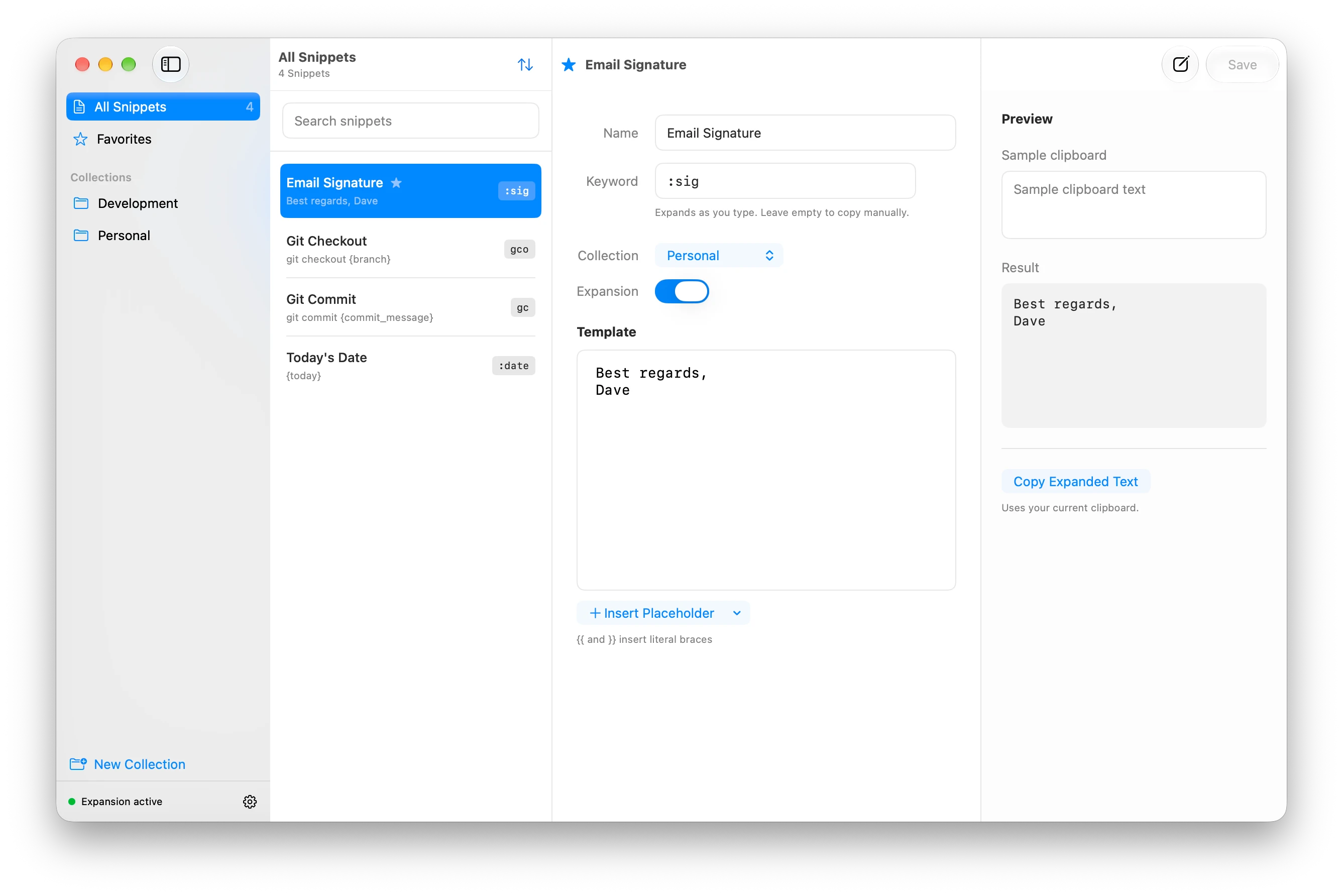
Get started
Section titled “Get started”Textend requires macOS 14 Sonoma or later and runs on Apple Silicon and Intel Macs. Download the ZIP from the Textend homepage, open it, and move Textend into your Applications folder.
Create your first snippetSave a keyword, allow Accessibility, and try expanding your text.
Fix an expansion problemCheck keywords, permissions, and the app you’re typing in.
Work with snippets
Section titled “Work with snippets”- Keywords & timing: choose keywords and adjust overlapping matches.
- Placeholders: insert clipboard text, formatted dates, and a cursor position.
- Organize snippets: use collections, favorites, and search.
- Appearance: choose a theme and accent color.
- Backups & updates: export your library and keep Textend up to date.
- Keyboard shortcuts: common actions from the keyboard.
iCloud sync
Section titled “iCloud sync”Use iCloud sync to keep your saved library available across your Macs. Learn how to enable sync, work offline, and handle conflicting edits.
For changes in published versions, see the release notes.